Lesson 1: Your First Message
In this lesson you start an agent, ask it what it is, send it a message and watch it work. By the end you will know what an agent card is, what a task is, and how to stop typing the agent's address.
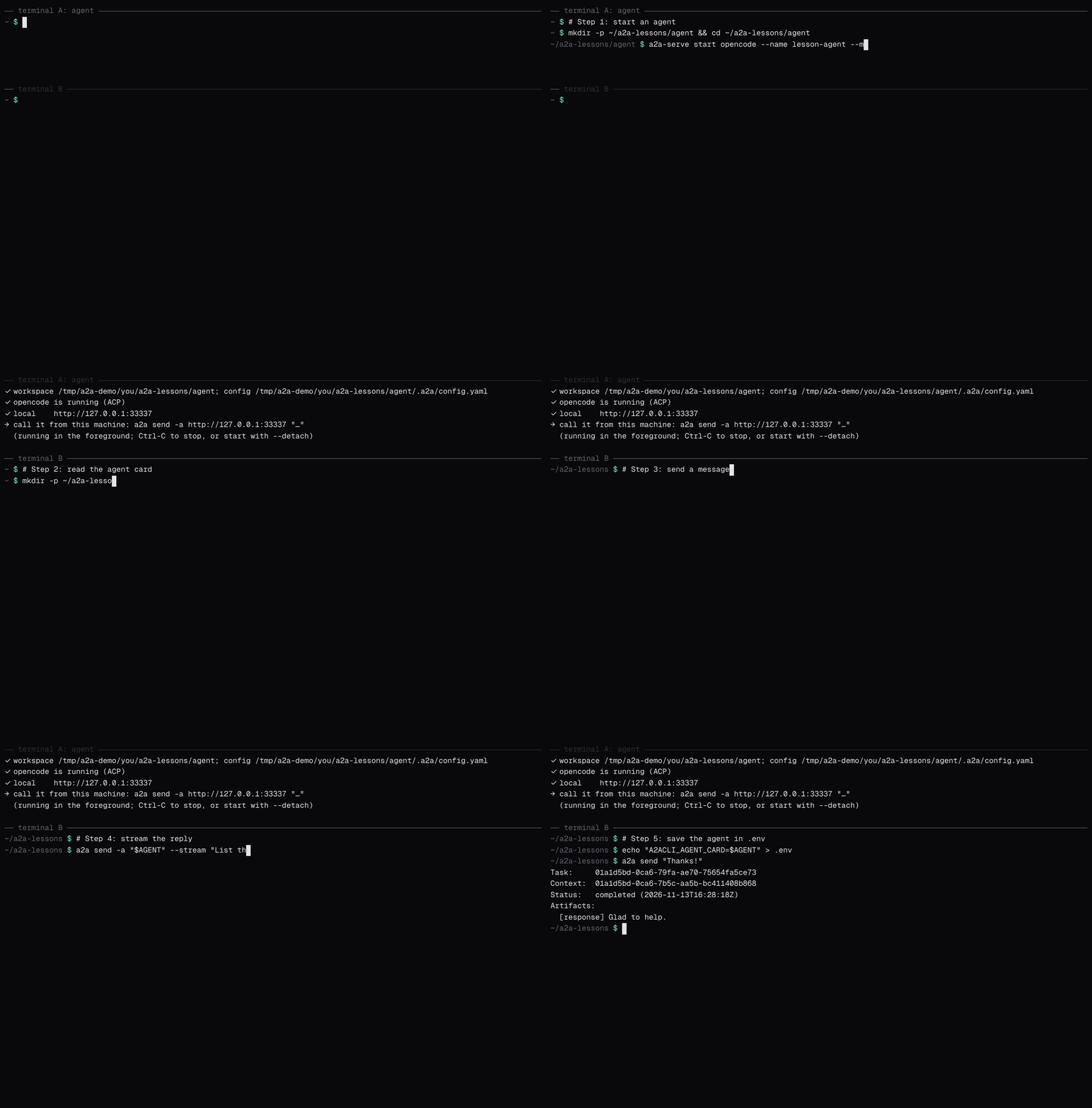
What you'll learn
- How to start an A2A agent with a2a-serve
- What an agent card holds, and how
a2afinds it from a bare address - What a task is, and how to read the output of
a2a send - How
--streamshows the agent's progress - How to keep the agent's address in a
.envfile
Prerequisites
Everything in What you need. Open two terminals: terminal A for the agent and terminal B for a2a.
Step 1: Start an agent
An A2A agent is a server that accepts tasks over the A2A protocol. a2a-serve turns a coding agent into one. In terminal A, give it an empty workspace and start it:
mkdir -p ~/a2a-lessons/agent && cd ~/a2a-lessons/agent
a2a-serve start opencode --name lesson-agent \
  --model openrouter/~google/gemini-flash-latest --secret OPENROUTER_API_KEY
a2a-serve prints where it listens:
✓ local    http://127.0.0.1:43229
→ call it from this machine: a2a send -a http://127.0.0.1:43229 "…"
Leave it running. The rest of the lesson happens in terminal B.
Step 2: Read the agent card
Before you send an agent work, you want to know what it is and how to reach it. Every A2A agent answers both questions with an agent card. In terminal B:
mkdir -p ~/a2a-lessons && cd ~/a2a-lessons
AGENT="$(a2a-serve status --dir agent --url=local)"
a2a card get "$AGENT"
Name:         lesson-agent
Description:  lesson-agent is an opencode coding agent reached through `a2a-serve`. Tool calls may pause a task in input-required until whoever started it answers.
Version:      1.0.0
Interfaces:
  JSONRPC (A2A v1.0)     http://127.0.0.1:43229
  HTTP+JSON (A2A v1.0)   http://127.0.0.1:43229
Streaming:    true
Skills:
  coding               Coding agent
You gave a2a a bare address with no path, so it fetched http://127.0.0.1:43229/.well-known/agent-card.json, the place every A2A agent serves its card. The card says:
- Interfaces: the URLs and protocols the agent accepts. This one speaks JSON-RPC and REST, both in A2A version 1.0.
a2apicks one for you. - Streaming: the agent can send progress as it works.
- Skills: what the agent offers. Agents with several skills list each here.
Add -o json to see the whole card, including fields the text view leaves out:
a2a card get "$AGENT" -o json
Step 3: Send a message
a2a send -a "$AGENT" "In one sentence, what can you do?"
Task:     01a1d530-3d41-7075-bda9-a201e3d486e3
Context:  01a1d530-3d41-7165-85f7-1902789752d6
Status:   completed (2026-11-13T13:54:30Z)
Artifacts:
  [response] I can read, write and run code in this workspace.
Your message started a task: a unit of work with an ID, a status and results. a2a send waited until the task finished, then printed it:
- Task is the task's ID. You use it to look the task up or answer its questions.
- Context is the conversation the task belongs to. Lesson 4 uses it.
- Status is where the task ended, here
completed. - Artifacts are the results. a2a-serve names the agent's answer
response.
Step 4: Stream the reply
A task can take a while. --stream prints each event as the agent sends it:
a2a send -a "$AGENT" --stream "List the files in your workspace."
Task:     01a1d530-5355-76ef-bac5-dbeda9bdf0d8
Context:  01a1d530-5355-778d-9be0-4f020a4b0e84
Status:   submitted
History:
  [user] List the files in your workspace.
[status] working
[status] working: Running list files {"toolCall":{...}}
[status] working: Finished list files {"toolCall":{...}}
[artifact] The workspace is empty.
[status] completed
First comes the task as the agent accepted it, submitted, with your message in its history. Then [status] lines report progress, such as the tools the agent runs, and [artifact] lines carry the answer as it is written.
Step 5: Save the agent in .env
a2a reads settings from a .env file in the working directory or above it. Save the agent there:
echo "A2ACLI_AGENT_CARD=$AGENT" > .env
a2a send "Thanks!"
A2ACLI_AGENT_CARD is the --agent-card flag as a variable. Every flag works this way, as lesson 2 shows.
If you restart the agent, it may get a new port. Run the echo line again to update .env.
Recap
- An agent card describes an agent;
a2a card getreads it from/.well-known/agent-card.json. a2a sendstarts a task and waits for it;--streamshows the events as they happen.- A task has an ID, a context, a status and artifacts.
.envsaves you from repeating flags.
Leave the agent running for the next lesson.
Next
Lesson 2 covers every way to configure a2a, and how to find out which setting won.